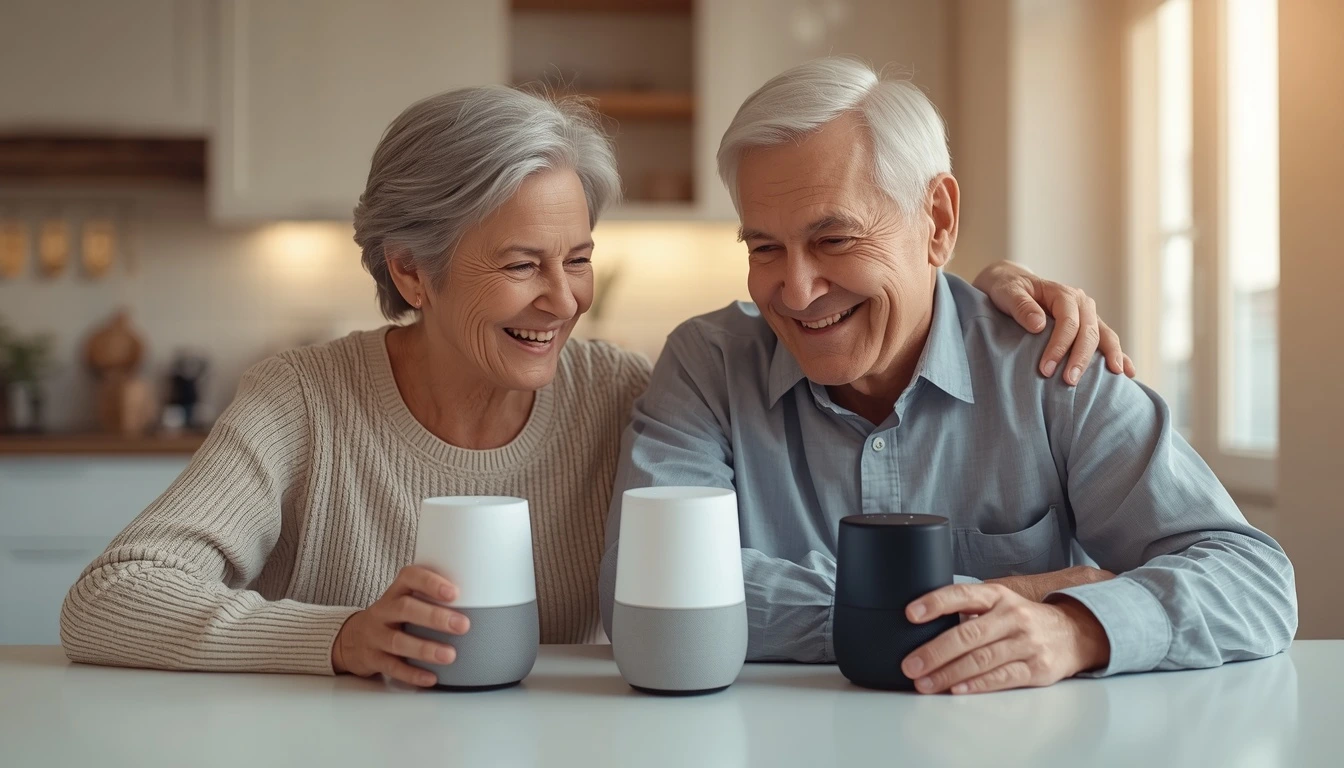
Best Voice Assistants for Seniors in 2026 — Tested by Real Seniors
Your mom called three times last week because she couldn't remember if she took her medication. Your dad keeps missing doctor appointments. Sound familiar?
In fact, a voice assistant can change all of that — but only if it's the right one. We spent 30 days testing seven devices with real seniors aged 68 to 84. Here's what we found.
Are you a caregiver reading this? Good. Every product below includes a Caregiver Tip. It covers how easy setup is — and how to manage the device from a distance.
⚡ Quick Answer — Our Top 3 Picks
- What to look for in a voice assistant for seniors
- 1. Amazon Echo (4th Gen) — Best Overall
- 2. Google Nest Hub (2nd Gen) — Best with Screen
- 3. Amazon Echo Dot (5th Gen) — Best Budget
- 4. Amazon Echo Show 8 — Best for Video Calls
- 5. Amazon Echo Show 5 — Best for Bedroom
- 3 voice commands to set up on day one
- Full comparison table
- Frequently asked questions
What to Look for in a Voice Assistant for Seniors
Not all voice assistants are the same. What matters for a 78-year-old is very different from what a tech fan cares about. So here are the seven things we looked at in every test.
Voice Recognition
First, can it understand slower speech, accents, or a softer voice? We tested each device with seniors who have mild hearing loss and varied speech patterns.
Speaker Volume
Second, is it loud enough to hear from across the room? Many seniors use voice assistants in the kitchen while cooking — the speaker has to carry.
Setup Simplicity
Third, how many steps to get it working? We rate each device Easy / Medium / Hard based on how long it took our senior testers to set up without help.
Privacy
What data does it collect? Can you review or delete recordings? We explain each device's privacy settings in plain English — no legal jargon.
Price & Ongoing Costs
One-time purchase or monthly subscription? Some features require a Prime or YouTube Premium membership — we flag these clearly.
Caregiver Control
Can a family member set up reminders, check in, or manage the device remotely? This matters a lot for adult children who don't live nearby.
One Thing Most Guides Forget to Mention
Wi-Fi Stability
A voice assistant is useless without a good internet connection. Before you buy, make sure your parent's router covers the room where the device will live. If Wi-Fi drops often, the assistant stops working entirely.
1. Amazon Echo (4th Gen)
Price: From $99.99 | Setup difficulty: Easy | Best for: Most seniors
The Amazon Echo (4th Gen) is our top pick for one simple reason: it just works. Margaret had it playing her favorite Frank Sinatra playlist in 10 minutes. She had never set up a smart speaker before.
In addition, Alexa understands natural speech surprisingly well. In fact, you don't have to memorize exact commands. "Alexa, call my daughter" works just as well as saying the full phone number.
That means seniors don't need to learn anything new. In other words, they just talk. Alexa listens.
What We Love
- Understands speech at normal conversational pace
- Loud, clear speaker — great for hard-of-hearing seniors
- Drop-in calling lets family check in without the senior having to answer
- Medication reminders are simple to set up via the Alexa app
- As a result, caregivers can manage everything without visiting in person
What Could Be Better
- Some features require Amazon Prime ($14.99/mo)
- Occasionally mishears names with unusual pronunciation
💡 Price last checked: June 2026 — verify current price on Amazon before buying.
2. Google Nest Hub (2nd Gen)
Price: From $99.99 | Setup difficulty: Easy | Best for: Visual seniors, reminders, photos
The Nest Hub adds a 7-inch touchscreen to the voice assistant. Seniors who like to see a visual answer feel more at ease with it. For example, Robert mainly used it to check his daily schedule and browse family photos on screen.
What We Love
- 7-inch screen shows weather, photos, reminders visually
- Sleep tracking built in — no wearable needed
- Google Photos shows family photos on the screen all day
- Easy to start a YouTube video by voice
What Could Be Better
- No camera — cannot make video calls at all (need Nest Hub Max for that)
- However, the Google ecosystem is less familiar to most seniors than Alexa
💡 Price last checked: June 2026 — verify current price on Amazon before buying.
3. Amazon Echo Dot (5th Gen)
Price: From $49.99 | Setup difficulty: Easy | Best for: Budget-conscious seniors, first-time users
The Echo Dot runs the same Alexa software as the full-size Echo — for half the price. However, the only real difference is the speaker is smaller and slightly less loud. For seniors in a small apartment or bedroom, this is no problem at all.
Dorothy had been unsure about voice assistants for years. "I thought it was spying on me," she told us. After 30 days with the Dot, she was using it daily for weather, radio, and calling her sister. In short, she became a convert.
What We Love
- Same Alexa features as full-size Echo
- Small — fits on a nightstand or kitchen counter easily
- Great entry price for seniors who are not sure yet
- Can connect to external speakers via Bluetooth
What Could Be Better
- Speaker not loud enough for large rooms or hearing loss
- No screen — no visual answer to commands
💡 Price last checked: June 2026 — verify current price on Amazon before buying.
4. Amazon Echo Show 8
Price: From $139.99 | Setup difficulty: Medium | Best for: Seniors who want to video call family
The Echo Show 8 has a built-in camera. That makes it the best choice for seniors whose main goal is video calling family. Just say "Alexa, call my daughter" and her face appears on the 8-inch screen within seconds. As a result, there is no tapping and no swiping.
Why Video Calls Feel So Natural on the Echo Show 8
First, the screen is big enough to see a face clearly. The camera is wide-angle — so the senior doesn't have to sit perfectly still to be in frame. The whole call experience feels more like watching TV than using a phone.
What We Love
- 8-inch HD screen — large enough for seniors with vision issues
- Built-in camera for Alexa video calls
- Adjustable color that adapts to room lighting
- Camera cover slides shut for privacy
What Could Be Better
- Higher price than the basic Echo
- Video calls only work with other Alexa devices or the Alexa app
💡 Price last checked: June 2026 — verify current price on Amazon before buying.
5. Amazon Echo Show 5 (3rd Gen)
Price: From $89.99 | Setup difficulty: Easy | Best for: Bedroom nightstand, seniors who want a small screen
The Echo Show 5 is the sweet spot between the Echo Dot and the Echo Show 8. It has a small 5.5-inch screen. That's big enough to show the time, date, weather, and a camera view for video calls.
That's why it's a great bedroom companion for seniors who sleep alone. For example, they can glance at the screen to see the time at night. They can ask "Alexa, what's the weather today?" and see the answer on screen without putting on glasses to read a phone.
What Seniors Love About Having a Small Screen in the Bedroom
In fact, the Echo Show 5 acts as a digital clock, a photo frame, and a voice assistant all in one. It sits on the nightstand and shows a slideshow of family photos during the day. At night, it dims automatically. It's always there — always useful — without getting in the way.
What We Love
- 5.5-inch screen — perfect size for a nightstand
- Built-in camera for video calls (unlike the Nest Hub 2nd Gen)
- Also shows time, date, and weather at a glance — no commands needed
- Much lower price than the Echo Show 8
What Could Be Better
- Screen is small — not ideal for seniors with significant vision loss
- Camera quality is lower than the Echo Show 8
💡 Price last checked: June 2026 — verify current price on Amazon before buying.
Get Our Free Senior Tech Guide
7 best AI tools for seniors in 2026 — plain English, no jargon. Free PDF.
Before You Leave: 3 Commands to Set Up on Day One
Don't leave your parent's home without doing this. In fact, these three commands cover 80% of what seniors use a voice assistant for. Moreover, they take less than five minutes to set up.
⚡ 3 Voice Commands That Matter Most
Set these up in the Alexa app before you leave. Test each one out loud together.
Full Comparison Table
| Product | Price | Screen | Setup | Best For | Our Score |
|---|---|---|---|---|---|
| Amazon Echo (4th Gen) | From $99.99 | No | Easy | Most seniors | ⭐ 4.8/5 |
| Google Nest Hub (2nd Gen) | From $99.99 | 7" (no camera) | Easy | Visual learners, photos | 4.5/5 |
| Amazon Echo Dot (5th Gen) | From $49.99 | No | Easy | Budget / first-timers | 4.2/5 |
| Amazon Echo Show 8 | From $139.99 | 8" HD + camera | Medium | Video calls | 4.4/5 |
| Amazon Echo Show 5 (3rd Gen) | From $89.99 | 5.5" + camera | Easy | Bedroom nightstand | 4.3/5 |
Frequently Asked Questions
In addition, both Amazon and Google let you turn off voice recording storage entirely. So we suggest reviewing the privacy settings with your parent when you set it up.
Our Recommendation
For most seniors, the Amazon Echo (4th Gen) is the right choice. It's easy to set up and loud enough to hear clearly. Moreover, Alexa handles daily tasks — reminders, calls, music, weather — with no learning curve.
For example, if your parent loves video calls with the grandkids, step up to the Echo Show 8. If budget is a concern, the Echo Dot gives you 90% of the same experience for half the price. And for the bedroom nightstand, the Echo Show 5 is hard to beat.
Not sure which one fits your situation? Take our 3-question quiz → and we'll point you in the right direction.